
Microsoft shared that the email address validation for columns will be deprecated as of the 31st of July 2025. This feature is still in preview as of today, and based on what I found, this was introduced in Q3 or Q4 of 2023 and has been in preview since then….
Category: Model-driven Apps
Model-driven Apps

Read more
Slow performance on lookup columns with big datasets?
When working with big datasets within a model-driven app, it can be a very frustrating thing, the performance on lookup columns when the dataset is big. Examples of these could be Accounts, Contacts, Products, or other cases, of course, depending on the business you are operating in. When I receive…
Model-driven Apps

Read more
Clever or not? Updating data using Excel
One of the most popular tools that people use and find convenient is Microsoft Excel. I have been part of so many conversations where we had discussions about being able to export to Excel (or not). Updating data using Excel can be tricky, if you don’t use it for the…
Sales

Read more
Activate a previous quote revision, that easy!
You have perhaps faced this in the past, you are working with a client on a quote. Creating multiple revisions that go back and forward, and then the client gives approval on revision 2 😅, which is closed already. Now you likely don’t want to rebuild revision 2 with the…
Reporting
Read more
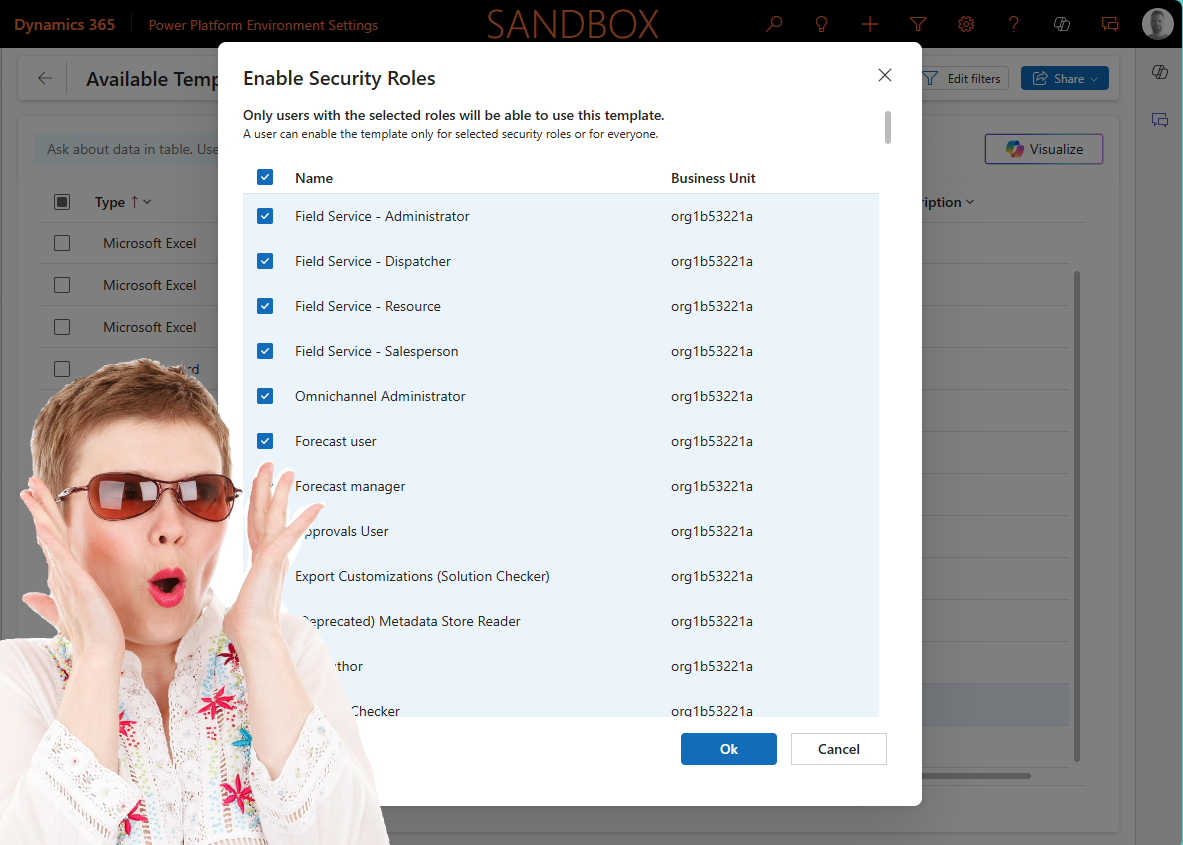
Enable security roles on templates is now available
We probably all have seen this occasionally, you are working in an area on the platform that you know, and you all of a sudden see a new button or something else that you are pretty sure was not there before. This week I spotted a new button to enable…
Sales

Read more
Reopen a won quote, as simple as that?
On the opportunity record, this functionality has already existed for a long time, and I have had lots of requests from colleagues who were asking, “Can I reopen a won quote? ” because the customer came back to us, and now I need to make a few minor changes to…
Dataverse
Read more
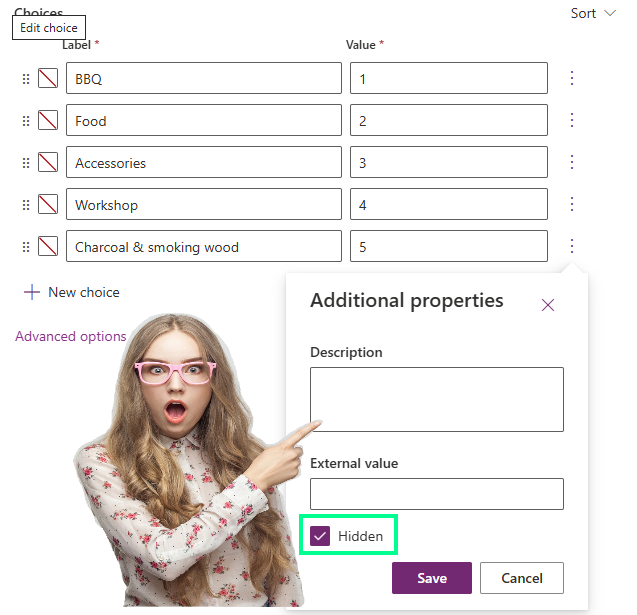
Finally there, hide a choice column value, or not?
Some of you still probably know them as option sets, but nowadays they are called Choice columns, and Microsoft has recently released functionality to hide the choice column values. But the question is, is it working like we think it is or not? I have seen some threads on the…
Reporting

Read more
Classic vs Power Automate, different ways of using Word templates
Recently I wrote about the differences between the classic way of generating Word templates vs the new way of managing this via the Power Platform Admin Settings (blog here). This was discussed in the Power Platform BOOST Podcast (Power Platform Boost Podcast) from Nick Doelman and Ulrikke Akerbæk and Nick…
Copilot

Read more
Using Copilot to visualize data in views
Another promising preview feature that has been released recently, now you can use Copilot to visualize data in views 😍. Based on the data and columns in your views, Copilot can now generate charts for you. These charts are, same as in the traditional charts, interactive which therefore allows you…
Model-driven Apps
Read more
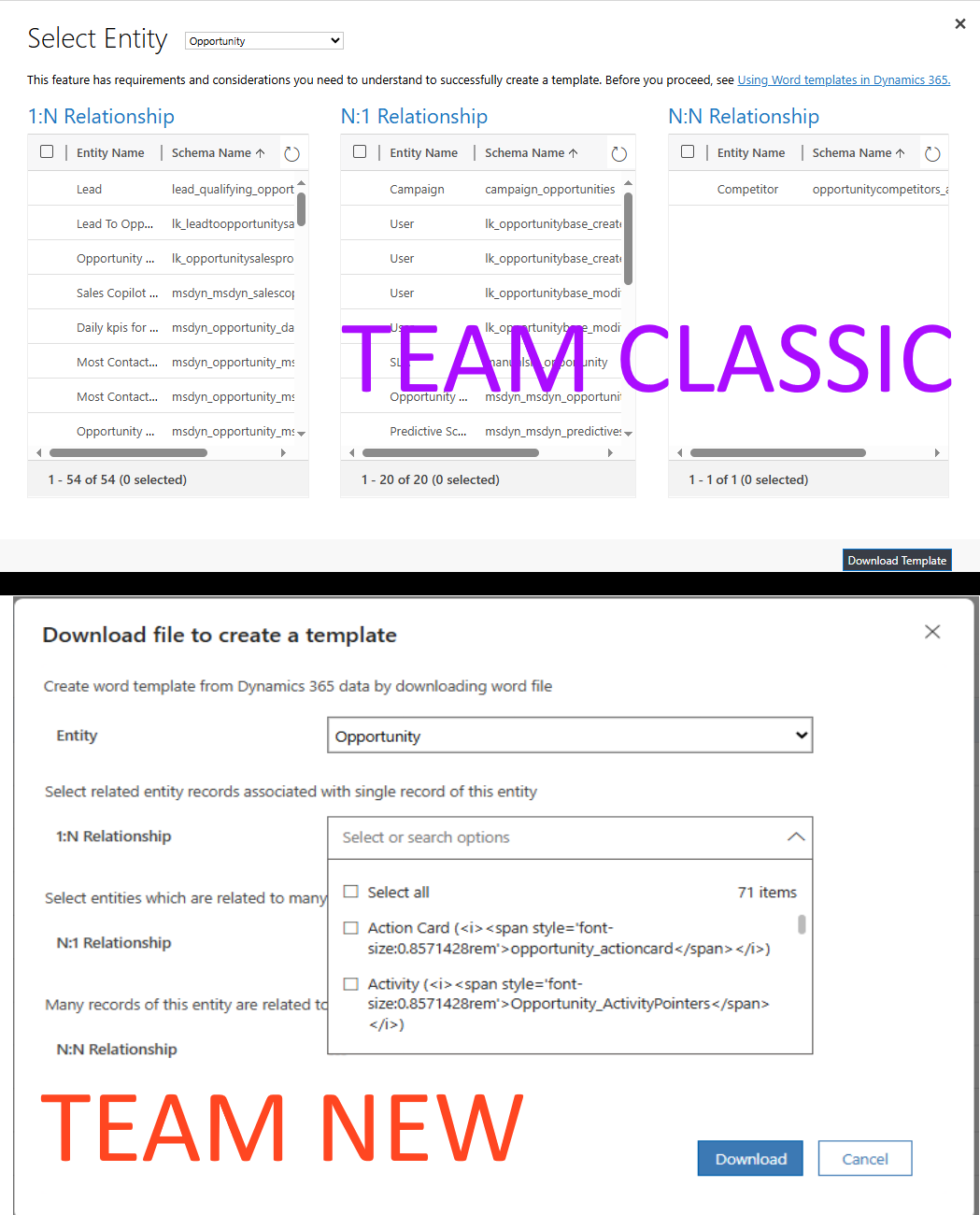
Smooth UI or not? Create Word and Excel templates
Microsoft has transformed the settings from the classic user-interface settings to a new way of managing the settings via the Power Platform Admin Setting app. This week I faced a setting where I believe unfortunately the classic interface has more advantages: create Word and Excel templates. Most people will remember…