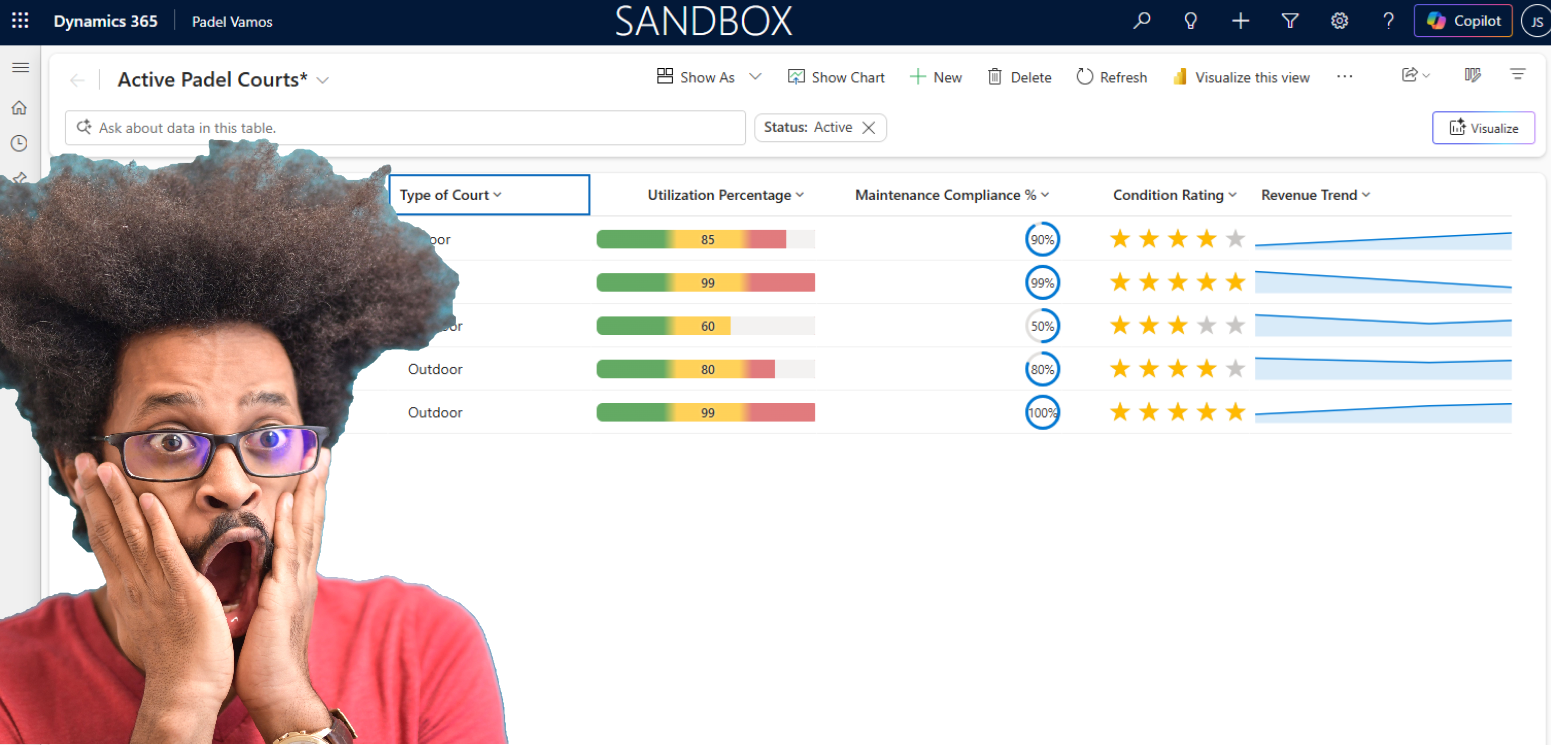
You perhaps already saw a few people posting about this and I can imagine why. This is feature that is still in preview, but very promosing when it comes to making grids look more sexy: the new column visuals 😎 In order to try the new column visuals, you do…
Category: Customer Insights
Sales
Read more
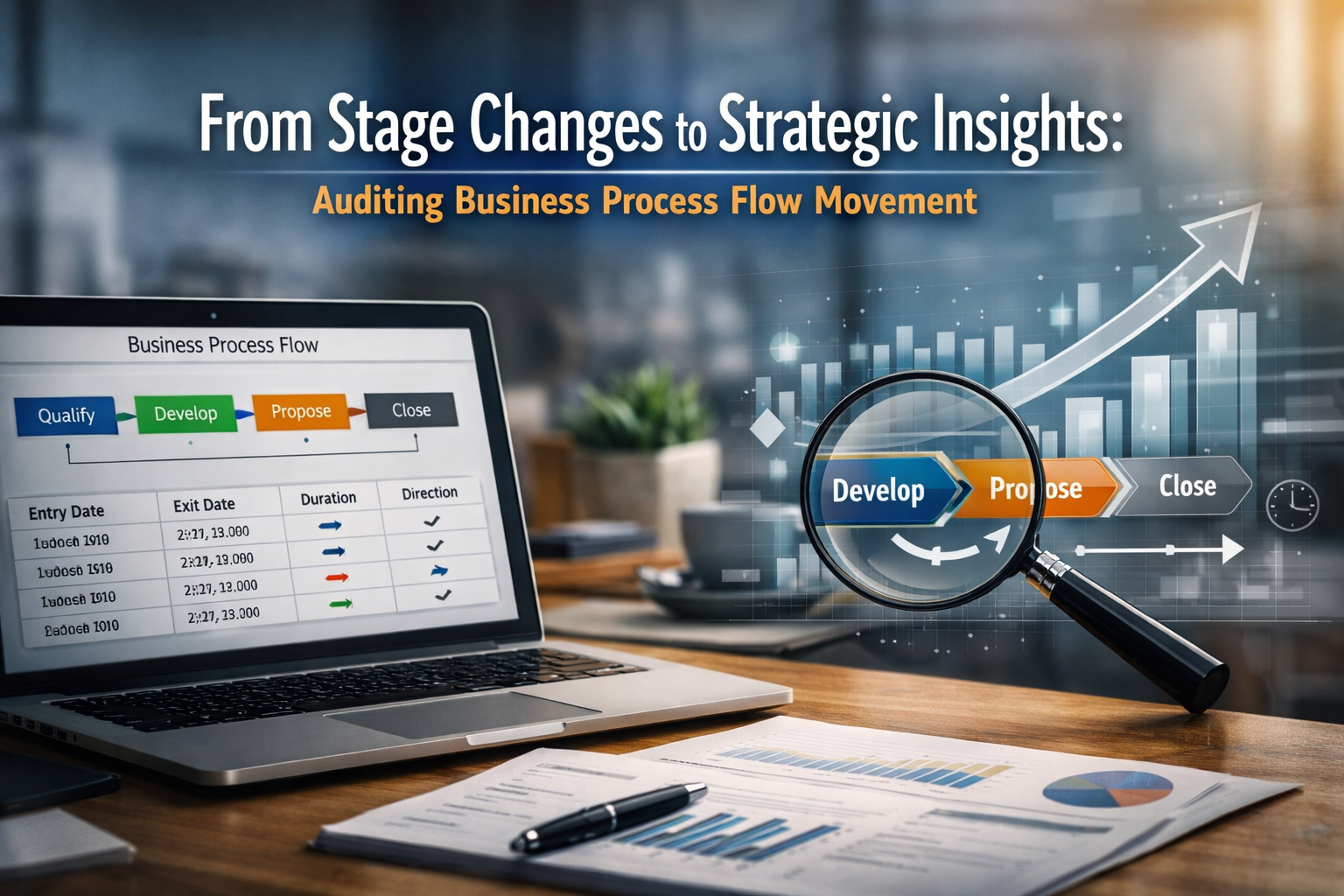
From Stage Changes to Strategic Insights: Auditing Business Process Flow Movements
You probably recognize this: when using a Business Process Flow, the standard functionality allows you to see how many minutes/hours days the process is active. Have you ever thought about auditing Business Process Flow movements? When you have a business process flow that aligns with your process, when auditing business…
Sales
Read more
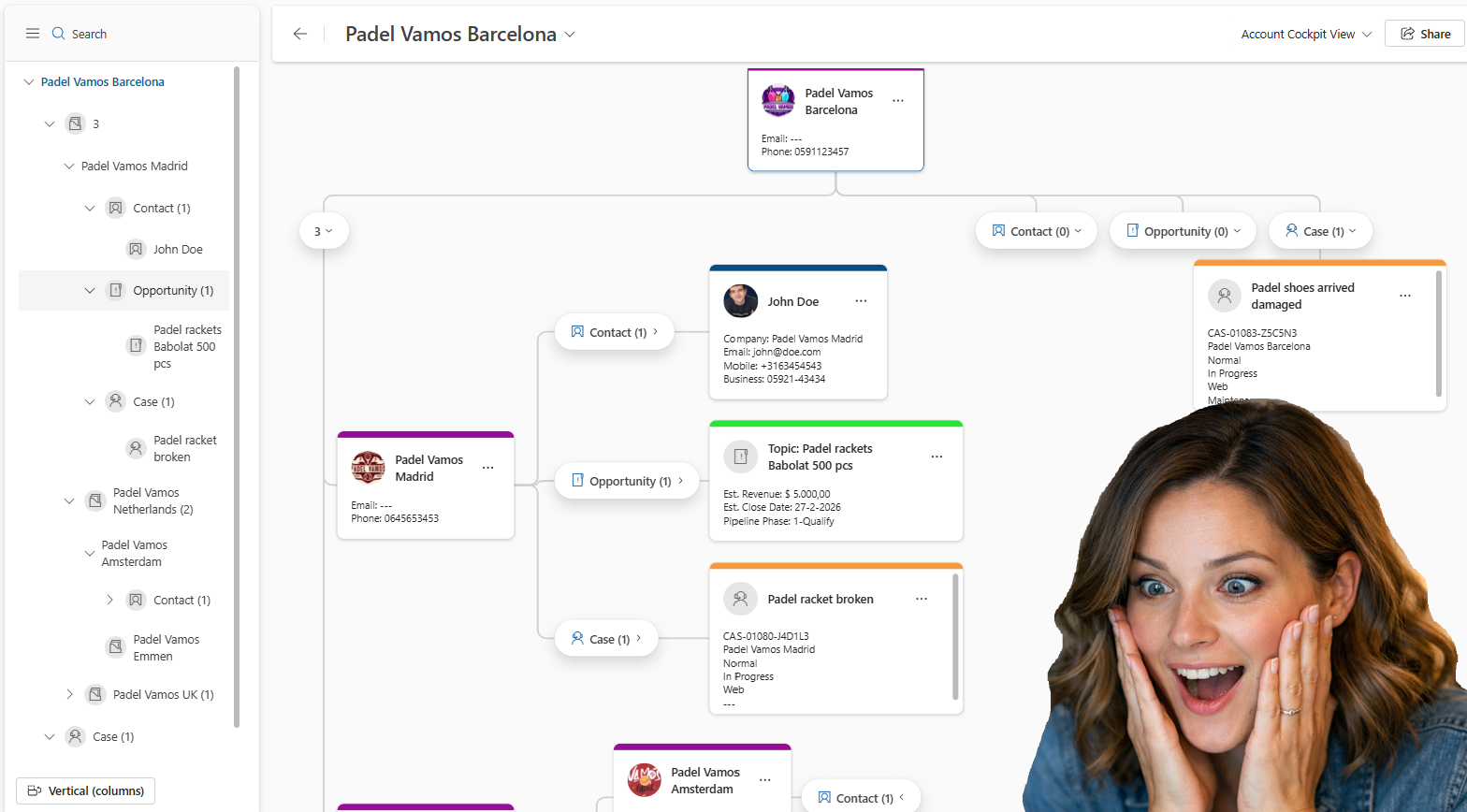
Cockpit view with the multi-table visual hierarchy
A while back, I posted about the new visual hierarchy that became available (link here). This feature is now extended, which allows you to create your own multi-table visual hierarchy 😍. Personally speaking, I love this feature since it is a great and organized visual representation of the data. In…
Model-driven Apps

Read more
Smarter Navigation in Model-Driven Apps: Balancing Personalization and Control
When building a model-driven app, the menus can grow rapidly because lots of menu items are being added. Smarter navigation in model-driven apps can help tailor this by making it more “personal”. For most of these, you can decide in which Area or Section you want to add these, but…
Sales
Read more
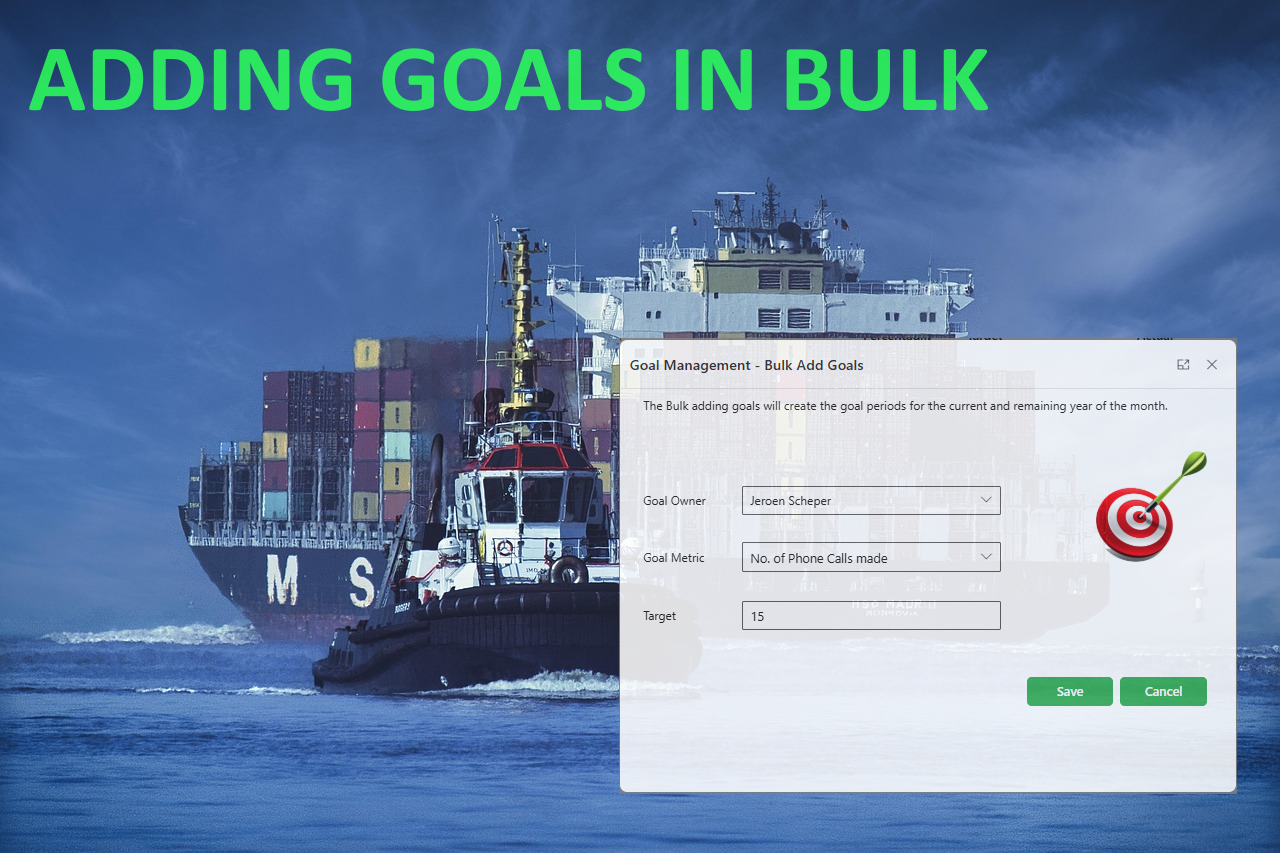
Adding Goals in bulk, simple and easy!
In my previous blog post, I wrote about goal management in general (link to article here). The post explains how goal management works and how to configure it yourself. Adding goals in bulk is one of the gaps I noticed while I was looking into this feature. Yes, there is…
Model-driven Apps

Read more
Slow performance on lookup columns with big datasets?
When working with big datasets within a model-driven app, it can be a very frustrating thing, the performance on lookup columns when the dataset is big. Examples of these could be Accounts, Contacts, Products, or other cases, of course, depending on the business you are operating in. When I receive…
Copilot

Read more
Copilot’s new form fill assist toolbar including the support of files
Still in preview, but looks very promising, the form fill assist toolbar, which also allows you to use files now. This is an extension of something that I wrote about before a while back, when the Copilot smart paste feature was introduced (blog here). At this stage, the new toolbar…
Reporting

Read more
Classic vs Power Automate, different ways of using Word templates
Recently I wrote about the differences between the classic way of generating Word templates vs the new way of managing this via the Power Platform Admin Settings (blog here). This was discussed in the Power Platform BOOST Podcast (Power Platform Boost Podcast) from Nick Doelman and Ulrikke Akerbæk and Nick…
Model-driven Apps
Read more
Manage access of views via security roles
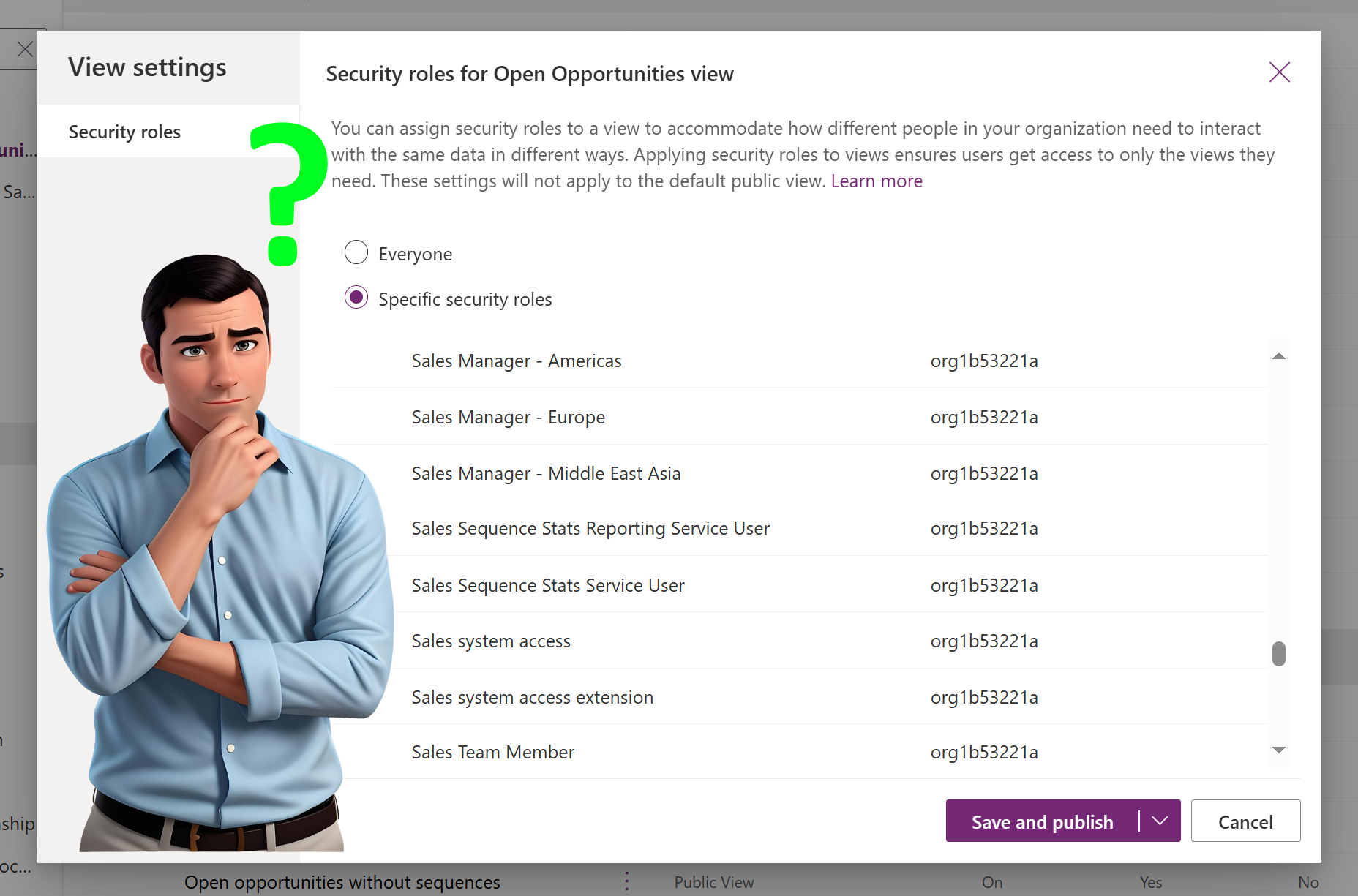
It is still in preview but has massive potential, to manage access of views via security roles. Microsoft announced this and I saw a few community members blogging already about it but I must admit, I was a bit skeptical in the beginning but after having a chat with Megan…
Model-driven Apps

Read more
Help, how to configure help feature?
Have you ever pressed the ? button in the main ribbon? When you are new to Dynamics 365 you have perhaps clicked on this to check the documentation or when you already work day in and day out with it, perhaps you clicked on this accidentally because you were too…