
I was looking into an issue and then I was stumbling into this feature that is finding the intent of a note on the timeline and suggesting actions from it. At first, I thought, that was pretty cool, but playing a bit more with it I questioned more and more…
AI Prompting
Read more
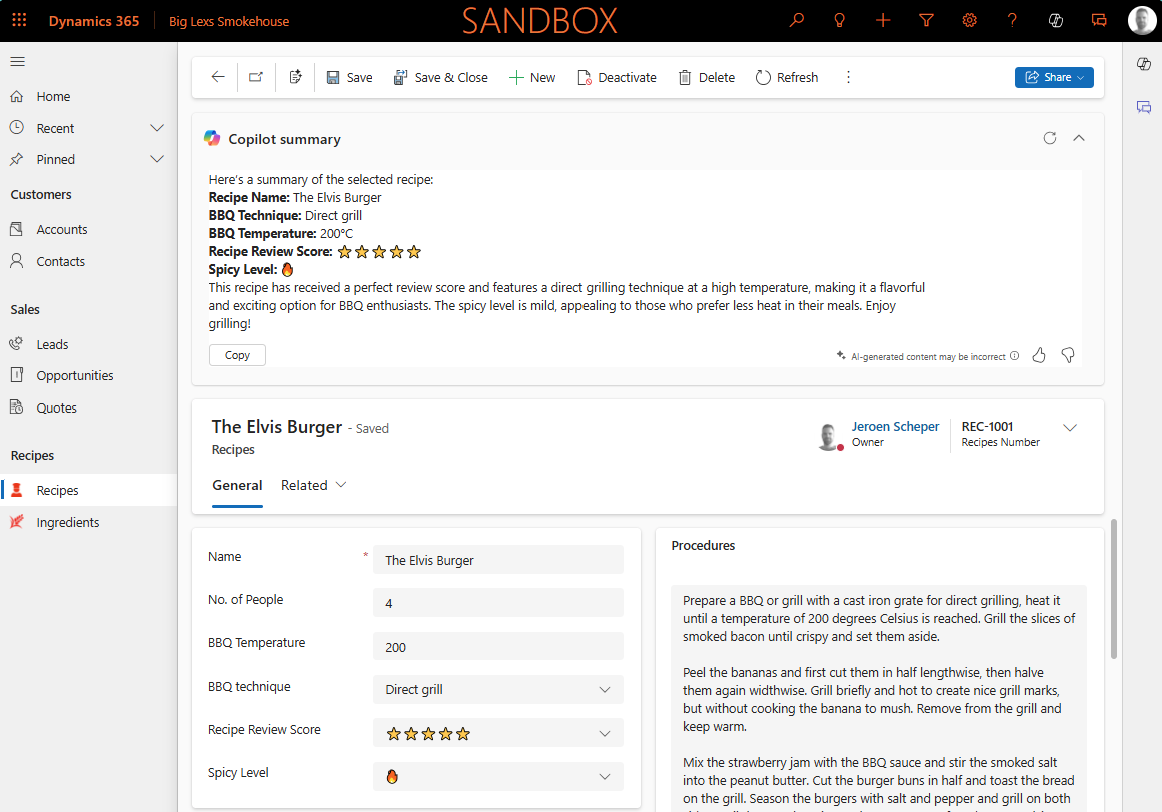
Using AI record summary for tables
One of the things that was just released in Public Preview is the AI record summary for tables (link to release plan). The cool thing about this feature is that it allows you to create your own custom AI Prompt, which will then be used to display the Copilot summary…
AI Builder
Read more
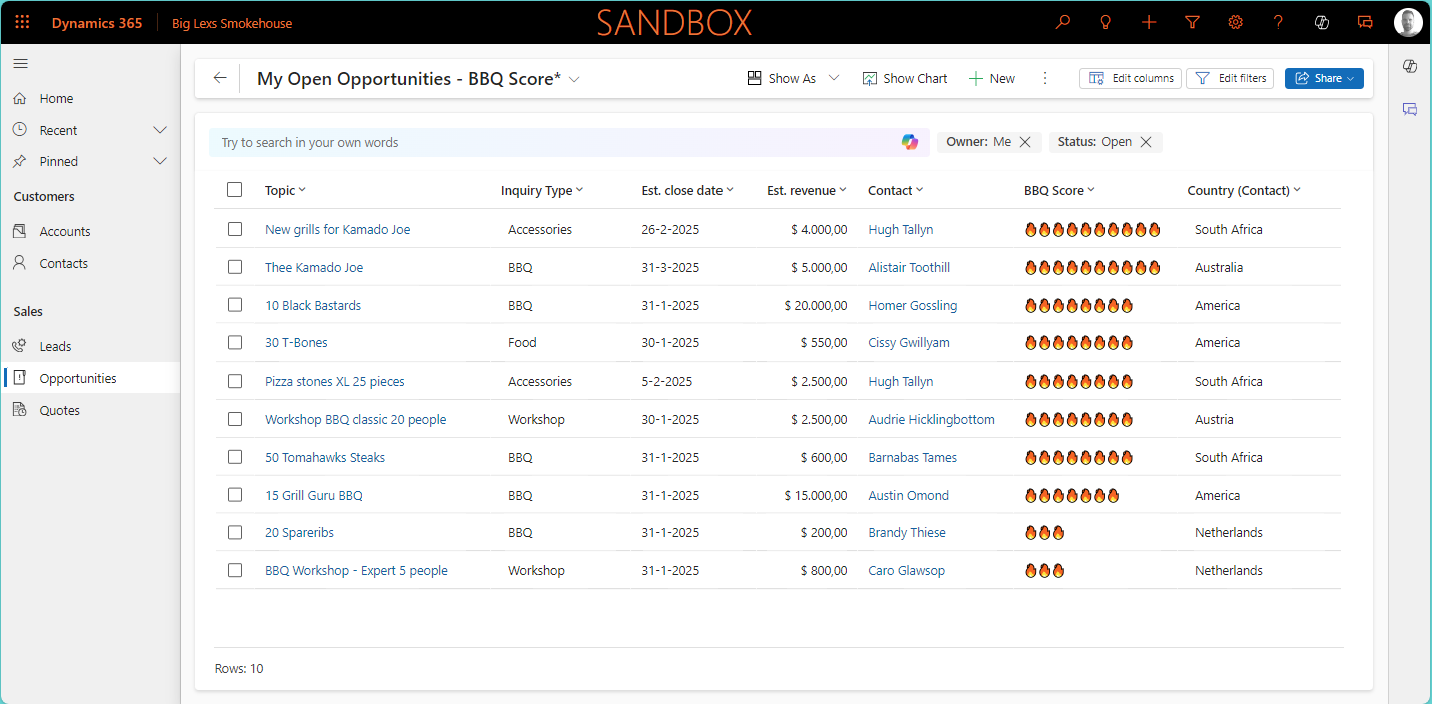
Prioritize seasonal sales using AI
In the past, I wrote about the UEFA Euro soccer championship and used the AI Builder prediction model to predict how well the Dutch team would perform (URL to post). That made me wonder if I could find a use case to apply a custom prediction model to one of…
Power Apps

Read more
Power Apps Grid Control: Enable column reordering in views
Recently I have posted a few things about the Power Apps Grid Control and how you can enable the jump bar (here) or use colors in your choice columns (here) to make it more user-friendly or look nicer. When using the Power Apps Grid Control, one of the things that…
Sales
Read more
Enable sales usage reports to gain insights
When it comes to the adoption of different business applications, one of the things that you would like to get insights in is how well the application is being used. There are multiple ways how to get insights into this, for example: Now the good news is, that when it…
Personal Development

Read more
Reflecting back on 2024, Hello World and 2025
2024…. what a year it was! It is almost coming to an end but it is time to reflect since the Holidays are coming close. Personally, 2024 started with the 90-Day Mentoring Challenge from Mark and Meg Smith. What a great start to the year besides the fact that I…
Model-driven Apps

Read more
Use colors for choice columns in your views
Last week I posted something about the Power App Grid Control that allows you to get the jump bar back in your views (read the full post here). One of the other cool settings on this control is it allows you to use colors for choice columns in your views,…
Model-driven Apps

Read more
Where is my jump bar in the view?
A few (Wave) updates back, I can’t remember when exactly, when you were navigating to the different menu items you would get a view with for example active accounts, but at the bottom you would see the jump bar in the view. This jump bar was very useful if you…
Copilot

Read more
Increase efficiency with Copilot smart paste feature
Copilot features are being launched rapidly lately. Sometimes in preview and sometimes they are available to you straight away. A while back Microsoft introduced the Copilot form fill suggestions using AI. I blogged about it when it was just released (blog post you can find here) and at that time…
Copilot

Read more
Filter views using Copilot
Another preview feature that will make a lot of people excited is that you are now able to find, sort, and filter views using Copilot. Using your AI prompting skills in Copilot allows you to work with data more efficiently. At the moment you already have some of this functionality…