Skip to content
JScheper.com
JScheper.com

BizApps, Powerplatform and AI

  • Home
  • Blog
  • Contact
JScheper.com

BizApps, Powerplatform and AI

Setting up maintenance window

Less frustrations by setting up a maintenance window

Posted on June 4, 2025June 2, 2025 By Jeroen Scheper

Have you ever faced the issue that you have planned to do a deployment, but by the time you are ready to import your solution, you find out Microsoft is doing an update? Setting up a maintenance window will help reduce these frustrations.
Setting up a maintenance window

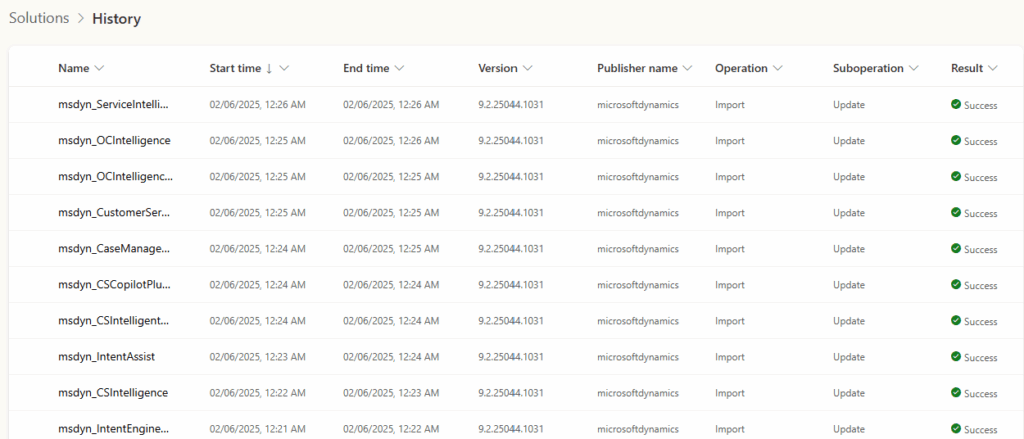
When you have selected your solution file and find out that there is already an importing procedure in progress, you can check the Solution History to see which solution is importing. Based on my experience, Microsoft is pushing out a couple of updates one after another, and you have no visibility on how many are left. The only thing you could do is wait, check the solution history, and try again.

Will setting up a maintenance window help? for sure! Is it a guarantee that Microsoft will only publish updates during that slot? No. Microsoft can conduct maintenance on any day, and the maintenance window is there to identify your preference (Microsoft documentation says “maintenance window is a time within the day when these updates could be delivered” ).

Microsoft is pushing updates (database and application updates) for the different business applications without any downtime for the users. The updates are being pushed on a region-by-region basis.

How setting up a maintenance window?

Follow the next steps in order to set up a maintenance window for your production environment:

  • Open the Power Platform Admin Center
  • Navigate to Environments
  • Select the environment where you want to enable this for
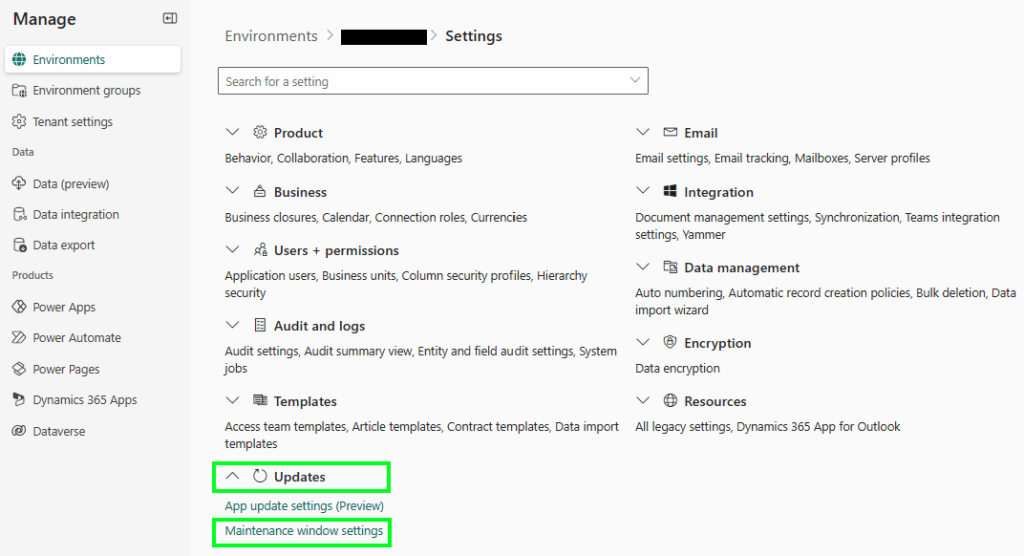
  • Select Settings
  • Navigate to Maintenance window settings in the Update section
setting up a maintenance window
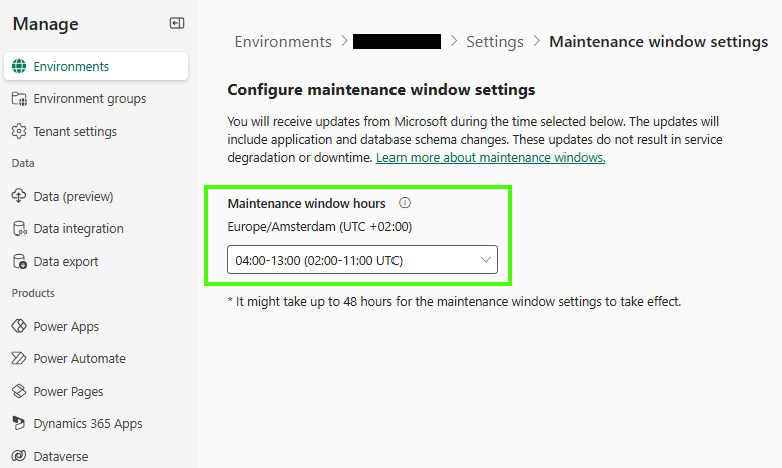
  • Select the Maintenance window hours that suit you
To conclude, I believe setting up a maintenance window is definitely something I recommend you do. Personally speaking, I would love to see this feature become available for sandbox environments so it will be easier to schedule my own deployments as well.
Power Platform database and application updatesmaintenance window

Post navigation

Previous post
Next post

Related Posts

Model-driven Apps new column visuals

No Code, No PCF, No Power BI: Dataverse’s New Column Visuals Explained

Posted on September 7, 2026September 7, 2026

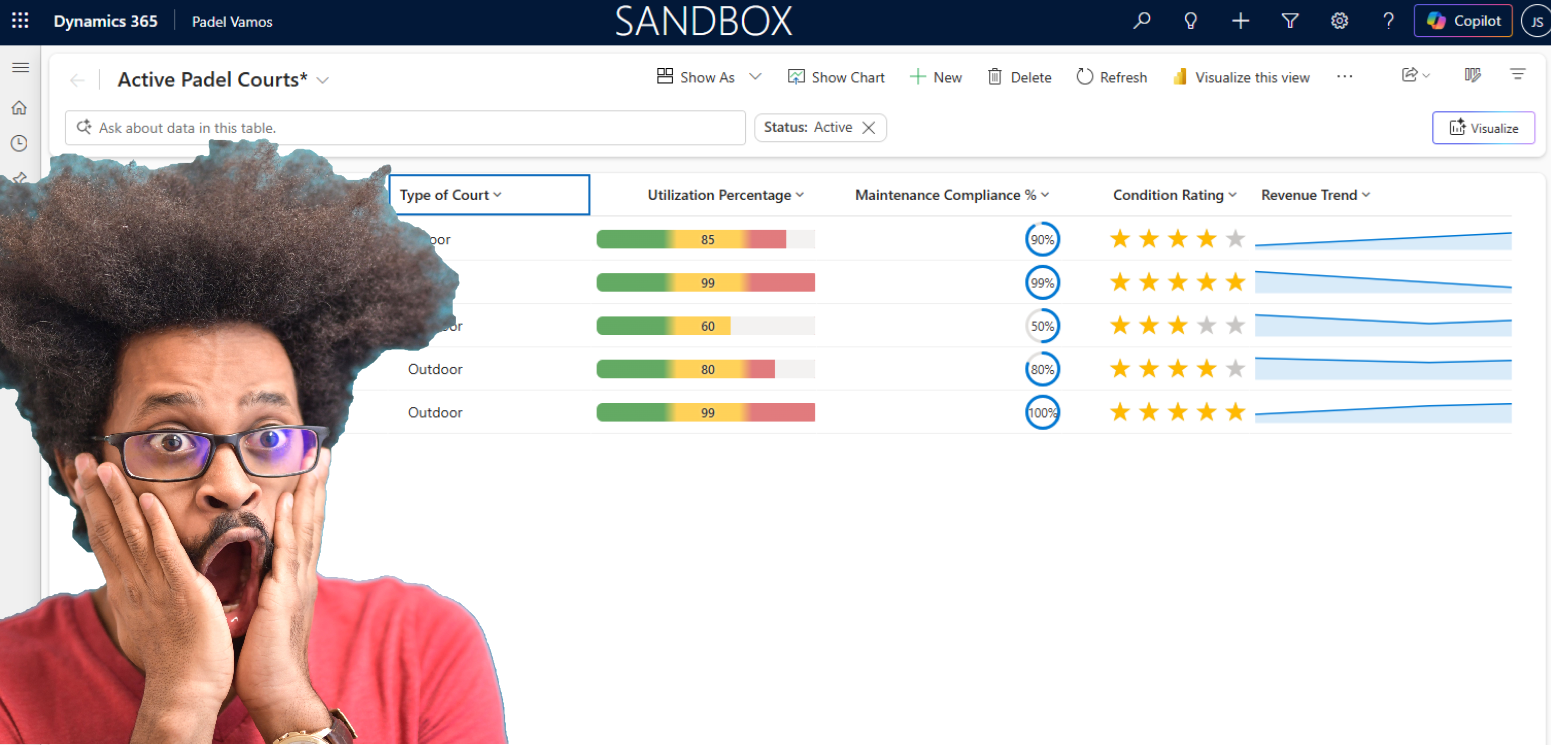
You perhaps already saw a few people posting about this and I can imagine why. This is feature that is still in preview, but very promosing when it comes to making grids look more sexy: the new column visuals 😎 In order to try the new column visuals, you do…

Read More
Power Platform wave opt-in has moved

Wave opt-in has moved?! Release channel it is!

Posted on February 25, 2026February 25, 2026

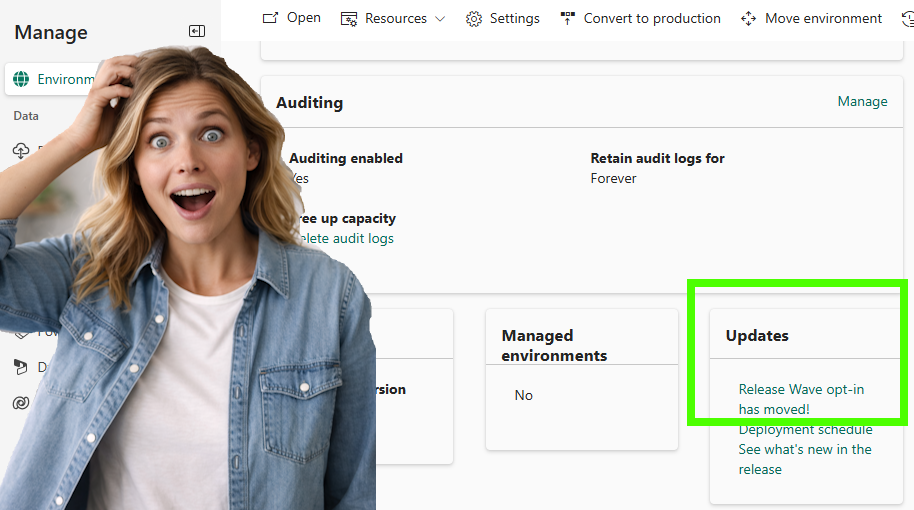
Wave Opt-In has moved?! It is the time of the year again when the first Wave update from Microsoft becomes available. If you are like me and curious to get early access to those features, you can enable this in a sandbox environment to play around. When navigating to the…

Read More
Reporting download your uploaded document templates

Download your uploaded document templates now!

Posted on April 15, 2025April 15, 2025

This is another post in the category, “this button was not there the last time I checked it“. Last week, I already wrote about being able to apply security roles on document templates (link to post). From that same discovery, I also found out that you can now download your…

Read More

Leave a Reply Cancel reply

Your email address will not be published. Required fields are marked *

ABOUT ME

  • LinkedIn
  • Mail
  • GitHub
  • YouTube
"BizApps and PowerPlatform dude with a passion for AI, sitting relaxt in his black shirt on a bounty white beach with palm trees, a azure blue ocean in the background and enjoying a good coffee "

~GenAI - DALL.E 3 and GPT 3.5

Subscribe

Please wait...

Thank you for subscribing!

Search

Categories

  • Agents
  • AI Builder
  • AI Prompting
  • Artificial Intelligence
  • Copilot
  • Copilot Studio
  • Customer Insights
  • Customer Service
  • Dataverse
  • Field Services
  • Generative AI
  • Model-driven Apps
  • Personal Development
  • Power Apps
  • Power Automate
  • Power BI
  • Power Platform
  • Reporting
  • Sales
  • SharePoint

Archive

  • September 2026
  • July 2026
  • June 2026
  • May 2026
  • March 2026
  • February 2026
  • January 2026
  • December 2025
  • November 2025
  • October 2025
  • August 2025
  • July 2025
  • June 2025
  • May 2025
  • April 2025
  • March 2025
  • February 2025
  • January 2025
  • December 2024
  • November 2024
  • October 2024
  • September 2024
  • August 2024
  • July 2024
  • June 2024
  • May 2024
© 2024 - All rights reserved | Jeroen Scheper | Privacy Policy