Skip to content
JScheper.com
JScheper.com

BizApps, Powerplatform and AI

  • Home
  • Blog
  • Contact
JScheper.com

BizApps, Powerplatform and AI

Filter views using copilot

Filter views using Copilot

Posted on November 18, 2024November 18, 2024 By Jeroen Scheper

Another preview feature that will make a lot of people excited is that you are now able to find, sort, and filter views using Copilot. Using your AI prompting skills in Copilot allows you to work with data more efficiently. At the moment you already have some of this functionality available in Copilot but this is in the side panel. Being able to do this now from the views within model-driven apps will increase the user experience a lot.

Filter views using copilot

How do you configure the new Copilot feature for views?

In order to enable this feature that allows you to use Copilot to find, filter, and sort data, please follow the next steps:

  • Open the Power Platform Admin Center
  • Navigate to Environments
  • Select the environment where you want to enable this for
  • Select Settings
  • Navigate to Features in the Products section
  • Find the Natural Language Grid View Search (preview) feature
  • Enable this for All user immediately (this is also where you can turn it off)
  • Press Save

How to find, sort, and filter views using Copilot

Within the different forms the Copilot search bar is now available above the grid. When initially start using it, it will provide some suggestions based on the data in your views. So if you struggle with the AI Prompting then taking a look at the suggestions will definitely help you getting started.

Based on the view that you have open, it will populate the filters in the bar behind it. This allows you to remove individual filters by clicking on an X.


Filter views using copilot
Copilot AI Prompting Artificial Intelligence Customer Insights Customer Service Model-driven Apps filter search and sort dataviews

Post navigation

Previous post
Next post

Related Posts

Sales reopen a won quote

Reopen a won quote, as simple as that?

Posted on April 9, 2025April 8, 2025

On the opportunity record, this functionality has already existed for a long time, and I have had lots of requests from colleagues who were asking, “Can I reopen a won quote? ” because the customer came back to us, and now I need to make a few minor changes to…

Read More
Sales New customized lead qualification experience

New customized lead qualification experience

Posted on August 21, 2024August 21, 2024

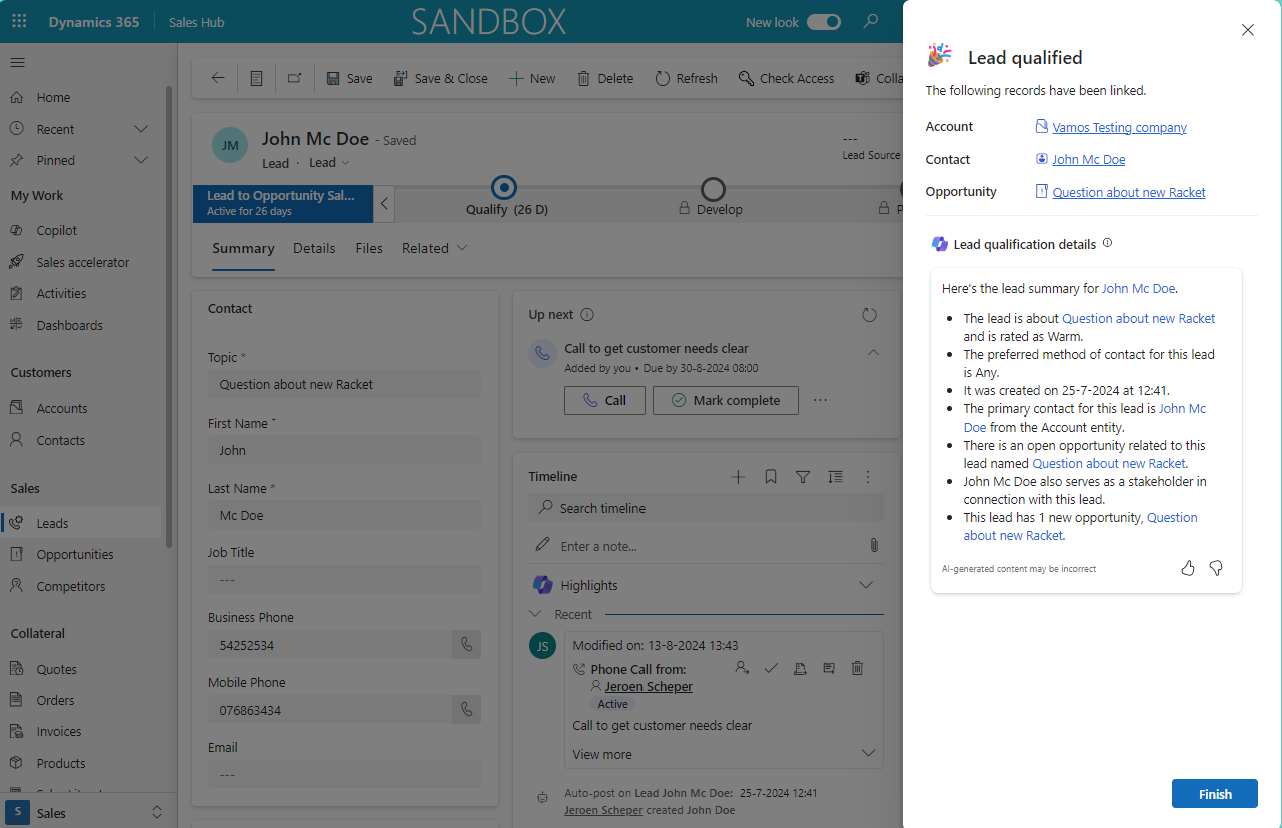
One of my favorite new features that is introduced in the Wave 2 2024 release, is the new customized lead qualification experience. This functionality did not change that much over time but now you do have better options to make this process a lot smoother and tailored to your needs….

Read More
Power Apps enable column reordering in views Power App Grid Control

Power Apps Grid Control: Enable column reordering in views

Posted on January 15, 2025January 15, 2025

Recently I have posted a few things about the Power Apps Grid Control and how you can enable the jump bar (here) or use colors in your choice columns (here) to make it more user-friendly or look nicer. When using the Power Apps Grid Control, one of the things that…

Read More

Leave a Reply Cancel reply

Your email address will not be published. Required fields are marked *

ABOUT ME

  • LinkedIn
  • Mail
  • GitHub
  • YouTube
"BizApps and PowerPlatform dude with a passion for AI, sitting relaxt in his black shirt on a bounty white beach with palm trees, a azure blue ocean in the background and enjoying a good coffee "

~GenAI - DALL.E 3 and GPT 3.5

Subscribe

Please wait...

Thank you for subscribing!

Search

Categories

  • Agents
  • AI Builder
  • AI Prompting
  • Artificial Intelligence
  • Copilot
  • Copilot Studio
  • Customer Insights
  • Customer Service
  • Dataverse
  • Field Services
  • Generative AI
  • Model-driven Apps
  • Personal Development
  • Power Apps
  • Power Automate
  • Power BI
  • Power Platform
  • Reporting
  • Sales
  • SharePoint

Archive

  • September 2026
  • July 2026
  • June 2026
  • May 2026
  • March 2026
  • February 2026
  • January 2026
  • December 2025
  • November 2025
  • October 2025
  • August 2025
  • July 2025
  • June 2025
  • May 2025
  • April 2025
  • March 2025
  • February 2025
  • January 2025
  • December 2024
  • November 2024
  • October 2024
  • September 2024
  • August 2024
  • July 2024
  • June 2024
  • May 2024
© 2024 - All rights reserved | Jeroen Scheper | Privacy Policy