Copilot
Copilot Copilot Copilot, you can’t get around it anymore. Also when checking the release notes for 2024 Wave 2 there is a lot around CoPilot in it. In my previous post, I shared my findings on the prompting and that is a nice bridge to this blog post. Within this blog post, I would like to share how you could use Copilot for multi-table structure with relations for a Power App, in our case for a Padel Shop called: Padel Vamos.
Padel Vamos
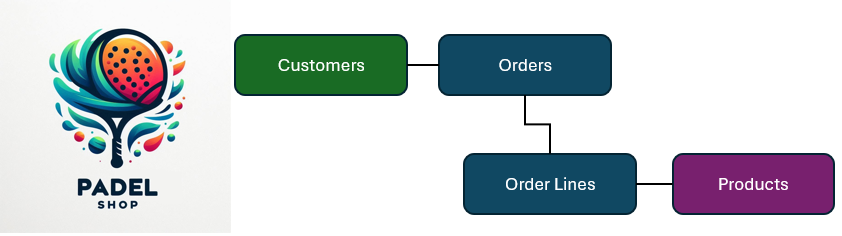
When I think about a simple structure for a Power App for a Padel Shop, I envision that at least the following tables would be created and the relations would be as follows:
- a Customer can have zero, one or many Orders
- an Order can have zero, one or many Order Lines
- an Order Line can have one Product linked to it per order line
Using Copilot for multi-table structure
Now let’s try to use Copilot for multi-table structure which will be the foundation of our Power App for Padel Vamos:
- Open https://make.preview.powerapps.com/
Since this is still in preview I believe your environment should be hosted in the US in order to have access to this. - When launched, you immediately see the big Copilot screen asking “What should it do?“
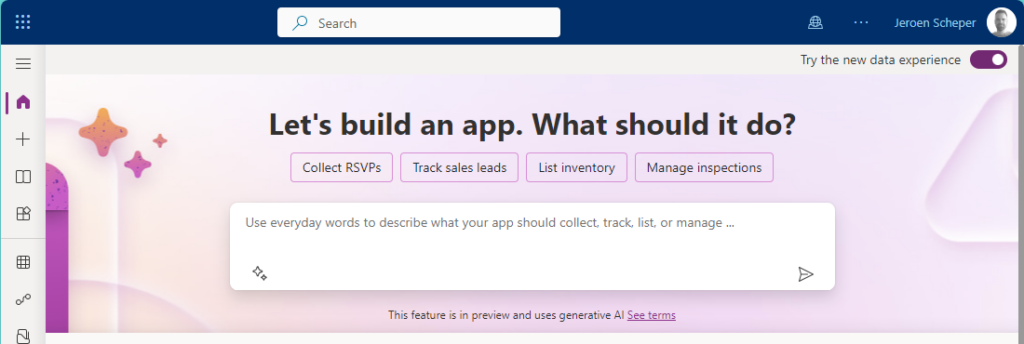
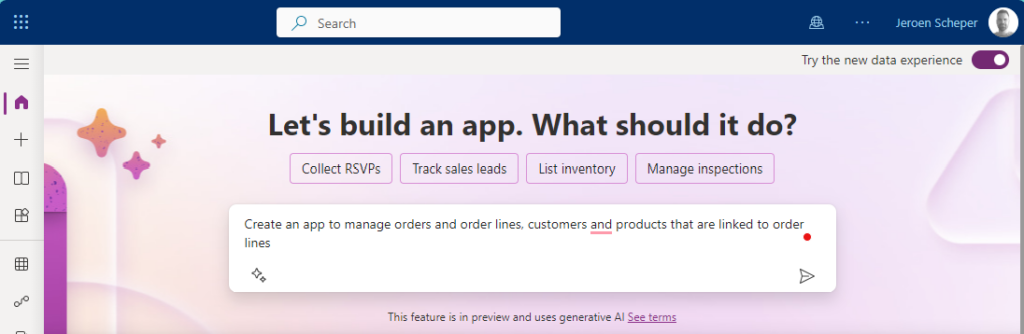
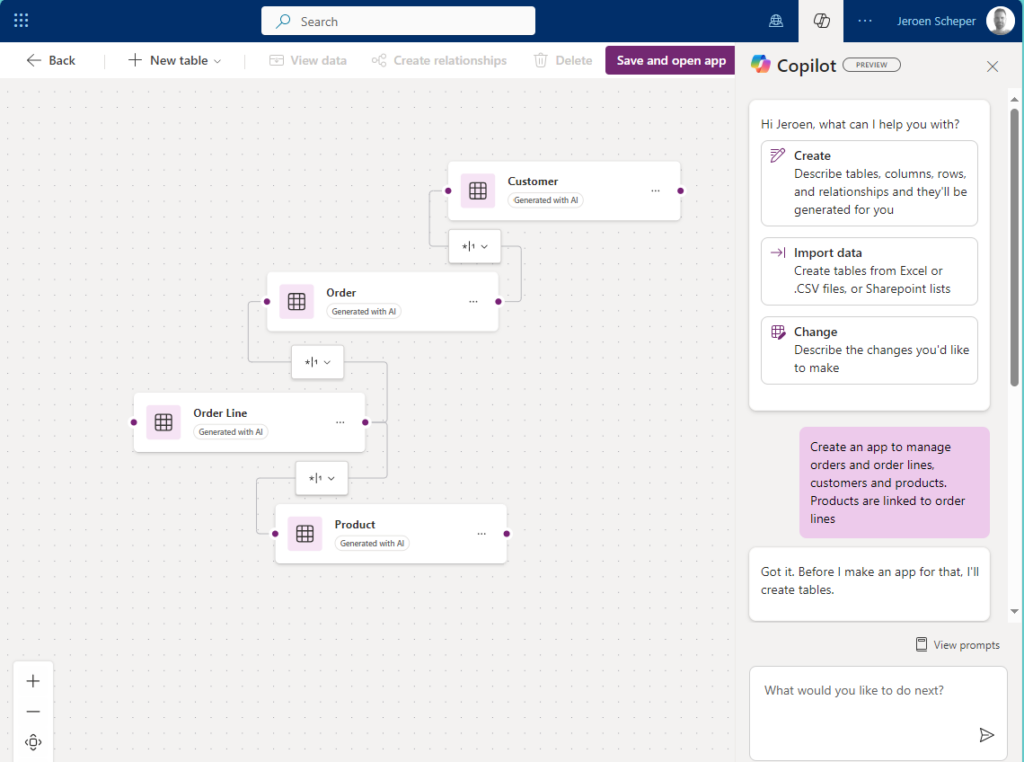
- Will give the following prompt to Copilot: Create an app to manage orders and order lines, customers and products. Products are linked to order lines
- Copilot now gets into action and will generate the tables and their relationships for you.
As you can see it did identify the four different tables and linked them together properly, how cool is that 😎
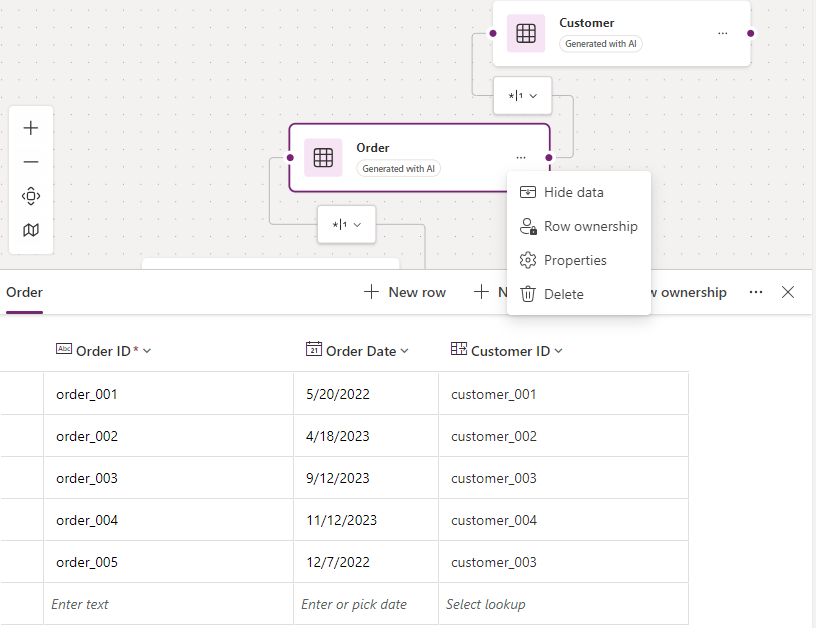
When clicking on the Order entity and selecting the three dots, you have the option to select View Data
This allows you to see the sample data it generated but also the different types of fields. As you can see for Customer it did generate a field of type Lookup
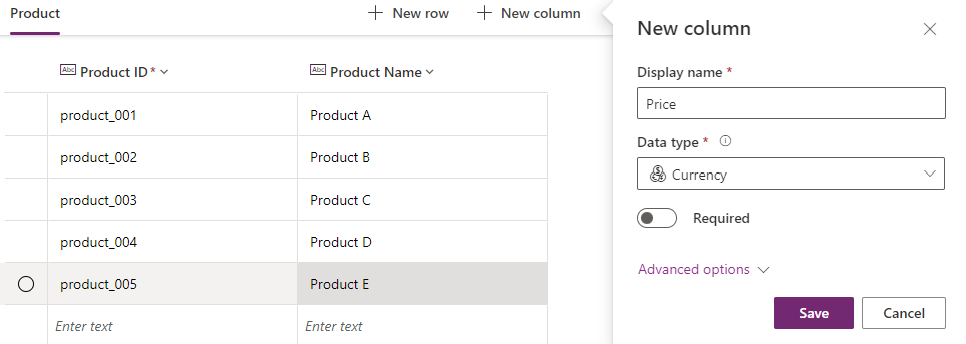
You also have the option now, to add or modify columns to your table easily. For example, if you would like to create a price field for a product you just navigate to the Product table and select + New Column
Generate sample data
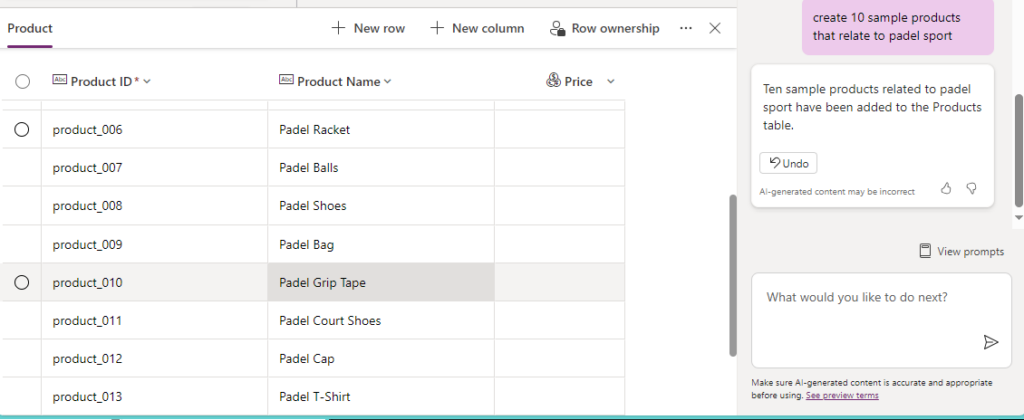
The last thing I would like to mention is that you can also easily use Copilot to generate more sample data that is specific to your app needs. This can speed up the testing process for example. So imagine that I would like to add products that relate to the sports Padel, I could do this easily by doing the following prompt: create 10 sample products that relate to the sport padel.
Padel Vamos Power App
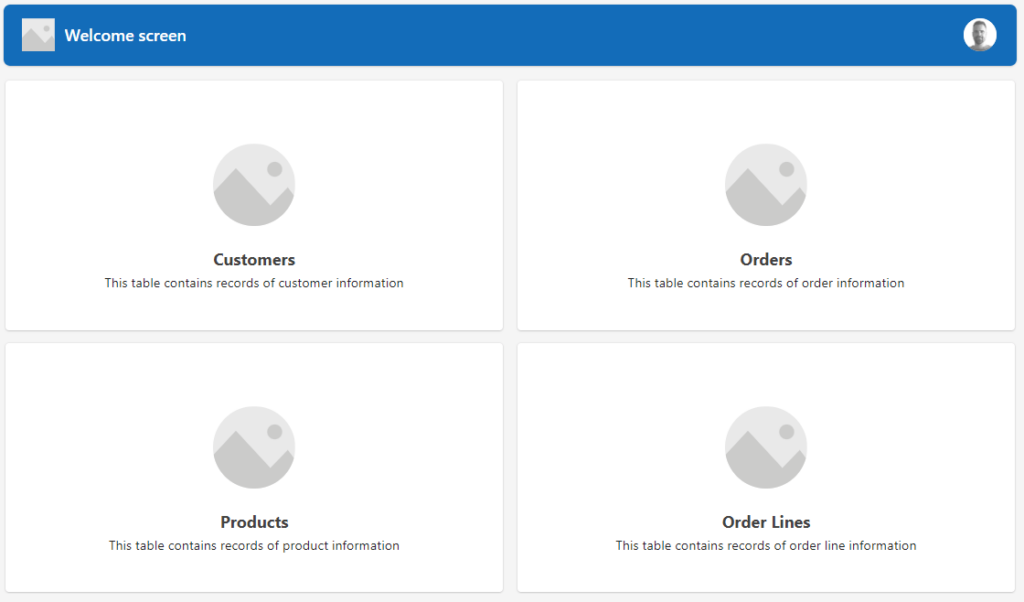
Once you are happy with the data architecture, the final step in order to create your multi-table structure for the Power App for Padel Vamos is to select Save and Open App from the ribbon. The beauty is that a whole framework is now generated for you and you can start working on fine-tuning your Power App. I hope this gives insights into how Copilot can speed up this process and work more efficiently.
If you would like to watch a great video on this hot topic, please check out the video from April Dunham on YouTube: Rapid Multi-Table App Development with Power Apps Copilot