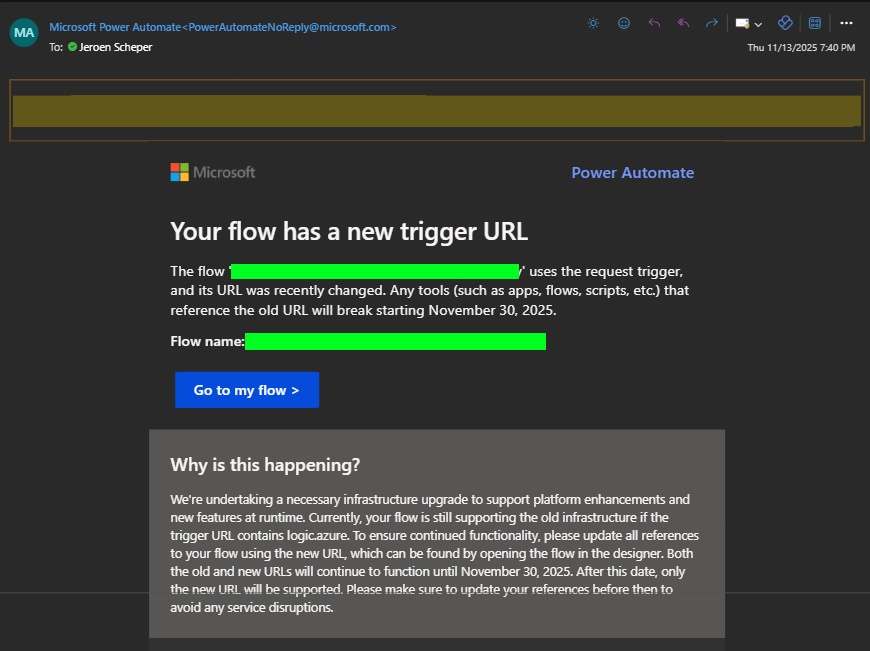
Probably lots of people have received emails over the last couple of months about a flow has a new trigger URL. The deadline for sorting this out is November 30th. Microsoft has made changes to the way HTTP trigger URLs work. According to the Questions section on Microsoft Learn, someone also asked about the reasoning. Microsoft is migrating HTTP trigger endpoints from the older logic.azure.com domain to the new api.powerplatform.com domain (link to MS Learn Question can be found here)
I was facing an issue that I thought would be worth sharing since you might benefit from it. This is the situation:
A long time ago, when there was no make.powerapps.com to edit the command bar and add new fancy buttons, and also no Environment Variables, I was using XRMToolbox > Ribbon Workbench for customising menu bars. The process was simple:
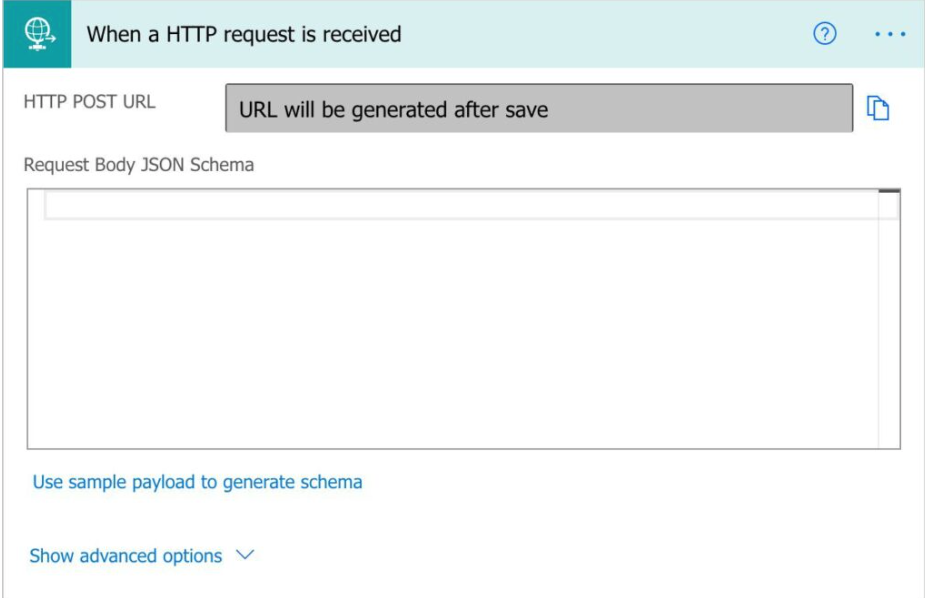
- Create a Power Automate Flow that uses the When a HTTP Request is received
- After creating some JSON and saving the record, the URL was generated
- Open the Ribbon Work Bench from the XRMToolBox and open the entity via a solution
- Add a new custom button and paste the generated URL in there as one of the parameters.
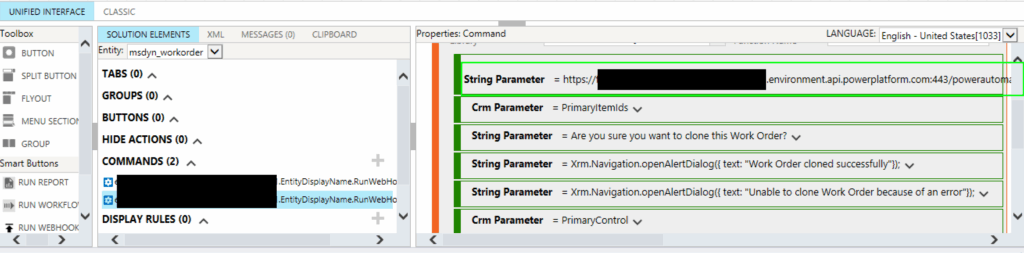
There are two things that I faced when updating the URLs
- The documentation about troubleshooting the migration of the new URLs mentions that the length of the new URL might exceed 255 characters. If you try to paste that directly into the new string parameter, it will cut it off. So these cases needed to be rebuilt via environment variables 😎
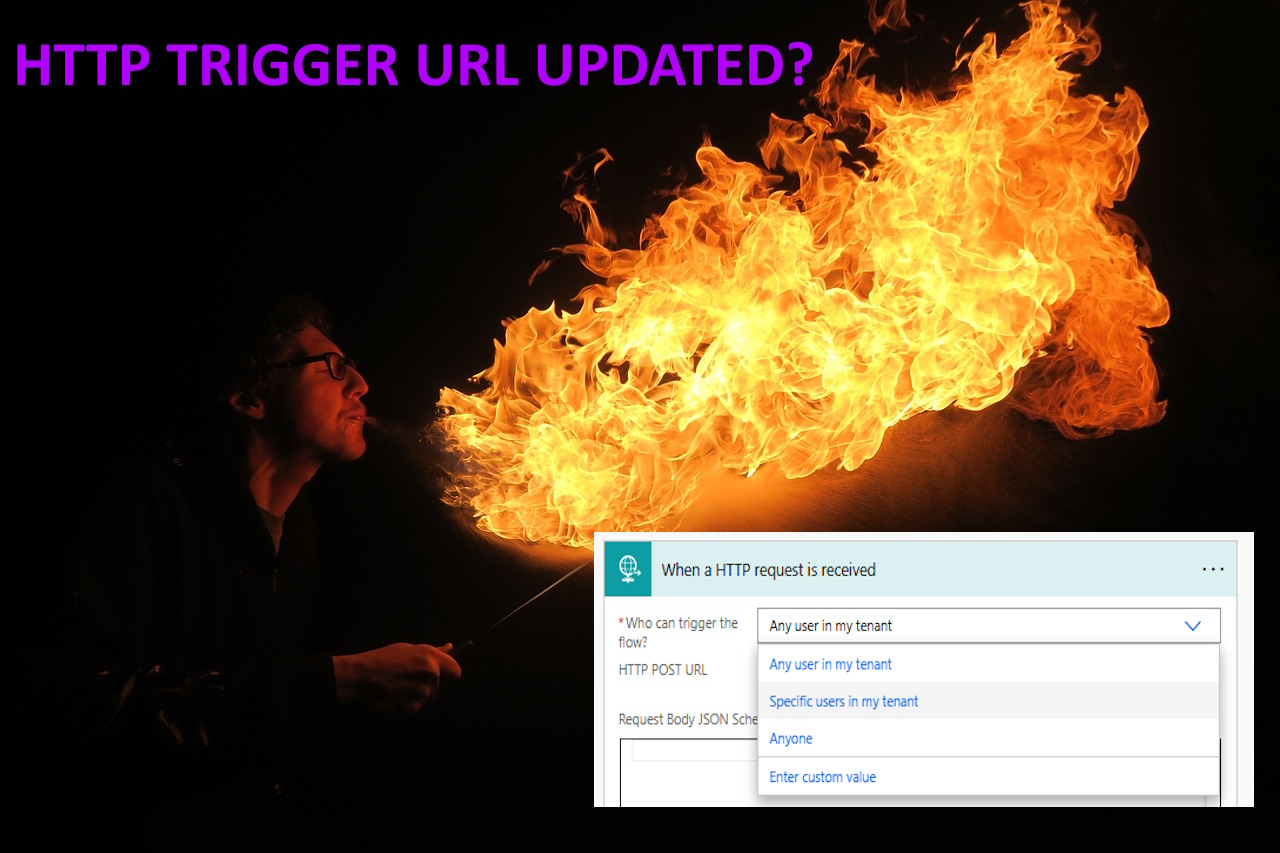
- The setting Who can trigger the flow is an important one to check.
The Who can trigger the flow has three standard options: Any user in my tenant, specific users in my tenant, and Anyone.
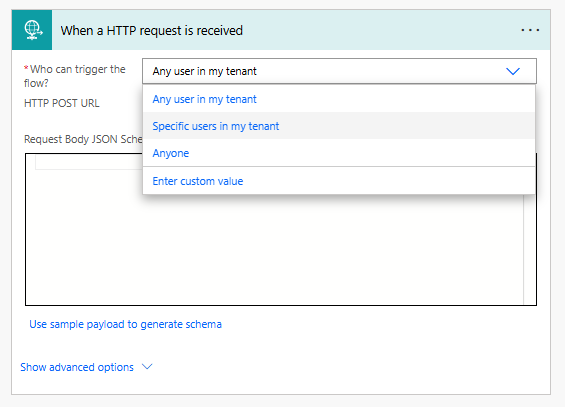
I had a couple of flows where this option was set to Any user in my tenant, but that was causing the URL to be different than when set to Anyone. Below you can see the two URLs compared. The first one is the Any User in my tenant, which does not generate the last bit of the URL, including the SIG. The SIG is a SAS token generated by the platform. When changing the setting to Anyone, it does generate, and when pasting that URL in the environment variable, the Power Automate Flow is triggered again.

Also, when I tried to create new flows, this defaulted to Any user in my tenant, which was putting me in the wrong direction when investigating this. Microsoft has documentation that explains the differences between the three options here.
Credit to my colleague Raghu Chalasani for helping sort this out 🏆